
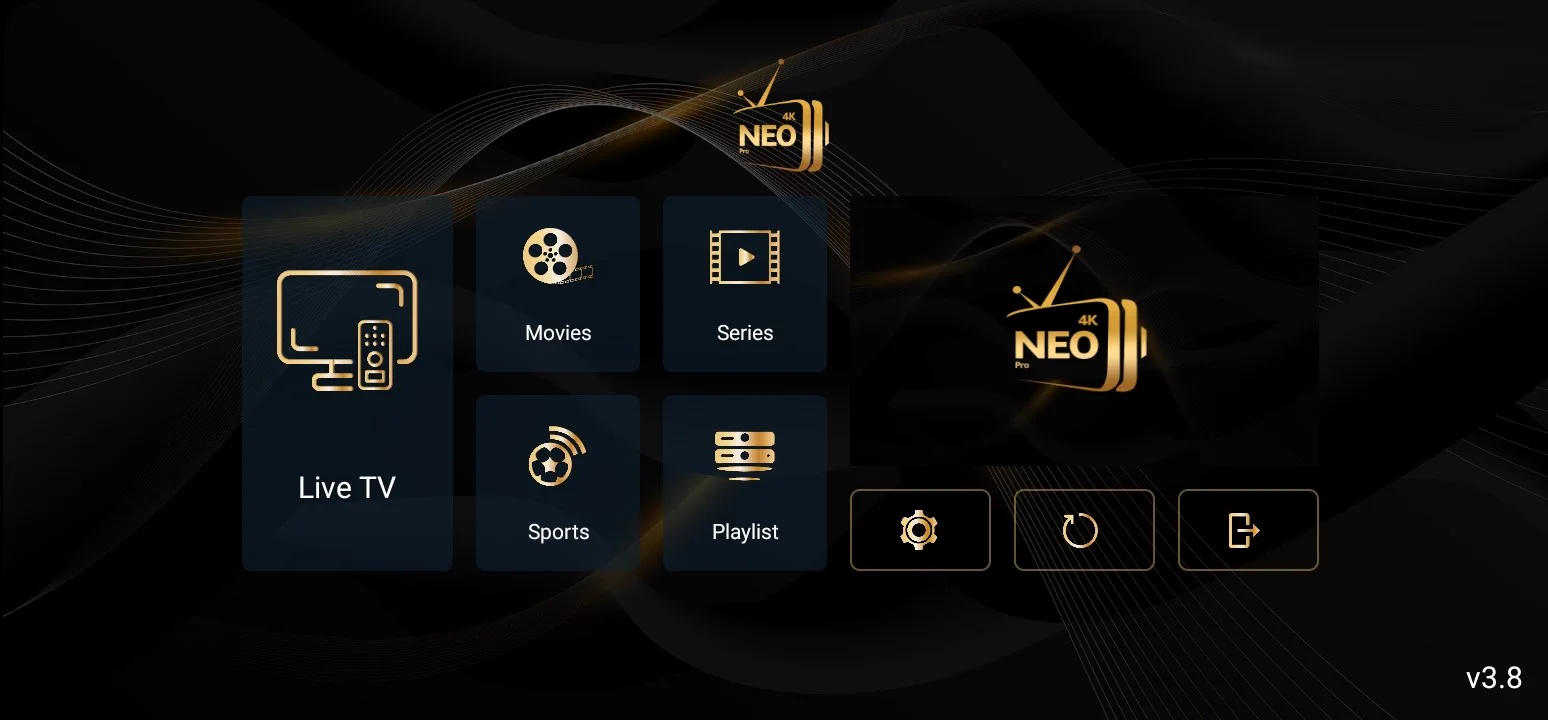
Neo 4K Pro (also known as Neo TV Pro) is one of the best IPTV players for Algeria and the Arab world, combining a sleek interface with a huge library of live channels, movies and series in true 4K with zero buffering. This professional guide walks you step by step through downloading Neo 4K Pro, the official Downloader codes, the direct APK, and activating it with Xtream Codes on any device.

What is Neo 4K Pro and why choose it?
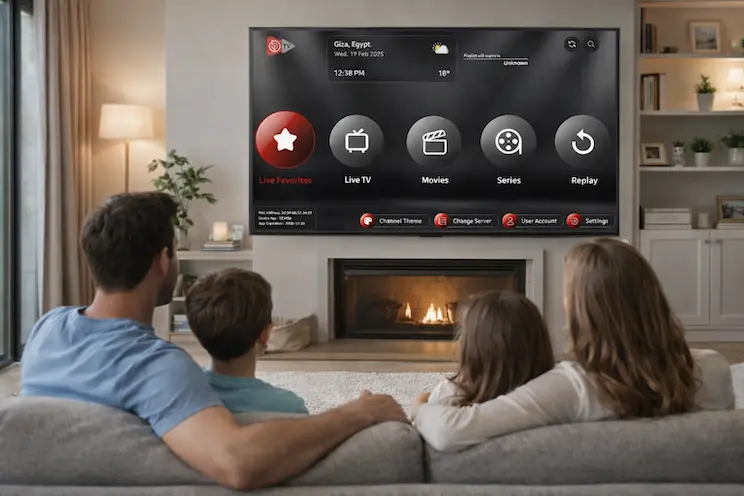
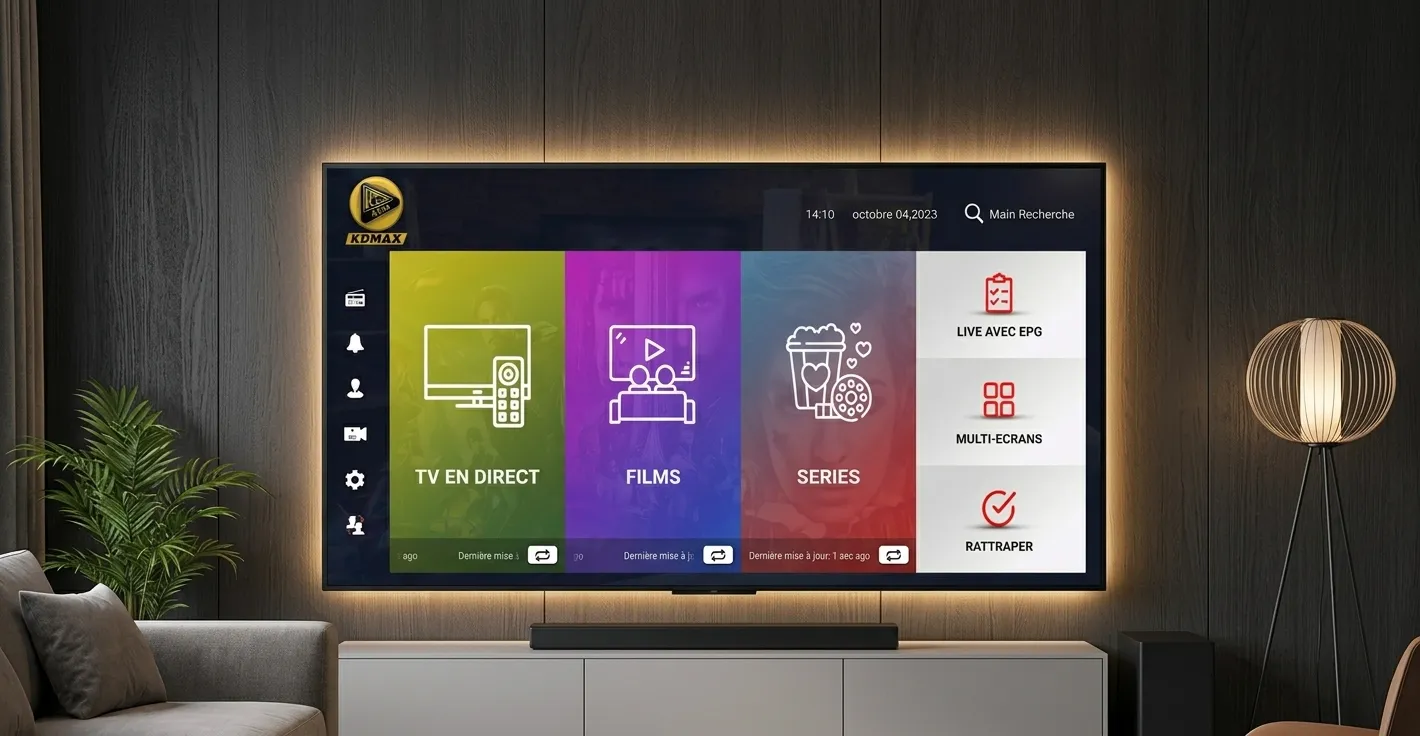
Neo 4K Pro is a full-featured IPTV player for live TV and a vast video-on-demand (VOD) library of the latest movies and series. Powered by fast, geo-distributed cloud servers, it delivers near-instant channel zapping (under one second) and modern streaming protocols, in a modern interface that is easy to control with a TV remote.
Key features of Neo 4K Pro
- Up to 4K quality: SD, HD, Full HD and 4K streams to fit every internet speed.
- Stable anti-freeze servers: dedicated capacity that holds up during derbies and major tournaments.
- Daily-refreshed VOD library: the latest movies and series with multiple subtitle options.
- Electronic Program Guide (EPG): accurate channel and match schedules.
- Multi-device support: Android, Android TV Box, Fire TV Stick, Smart TV, iPhone and PC.
- Instant activation: works with Xtream Codes details (server URL + username + password).
Neo 4K Pro Downloader codes
For the fastest install, use the free Downloader app from the Google Play Store, then enter the code for the version that fits your device. These are the official codes:
| Version | Downloader code | Short link |
|---|---|---|
| Neo 4K Pro | 8692982 | shtv.me/n4k |
| Neo 4K TiviMate | 6539657 | shtv.me/nvi |
| Neo 4K XCIPTV | 8320225 | shtv.me/nxc |
| Neo 4K+ | 2866395 | shtv.me/p4k |
| Neo 4Kp | 2100698 | shtv.me/nkp |
| Neo 4K VOD | 9448097 | shtv.me/n4kv |
Note: code 8692982 is for the main Neo 4K Pro build, while the other builds (TiviMate, XCIPTV, VOD) target different players and devices.
How to download and install Neo 4K Pro on any device
1. On Android, Android TV Box and Fire TV Stick
Method 1 — via the Downloader app (fastest):
- Install the free Downloader app from the Google Play Store.
- Open it and enter the Neo 4K Pro code:
8692982in the address bar. - Press Go to download the Neo 4K Pro APK, then tap Install.
Method 2 — direct APK download:
- Go to the Wizane Downloads Hub.
- Download the genuine, virus-scanned Neo 4K Pro APK.
- Install it on your phone or copy it via USB flash drive to your TV.
2. On Smart TVs (Samsung & LG)
- Search your TV store (Tizen or webOS) for a certified player such as TiviMate, XCIPTV, IBO Player or Smarters Pro.
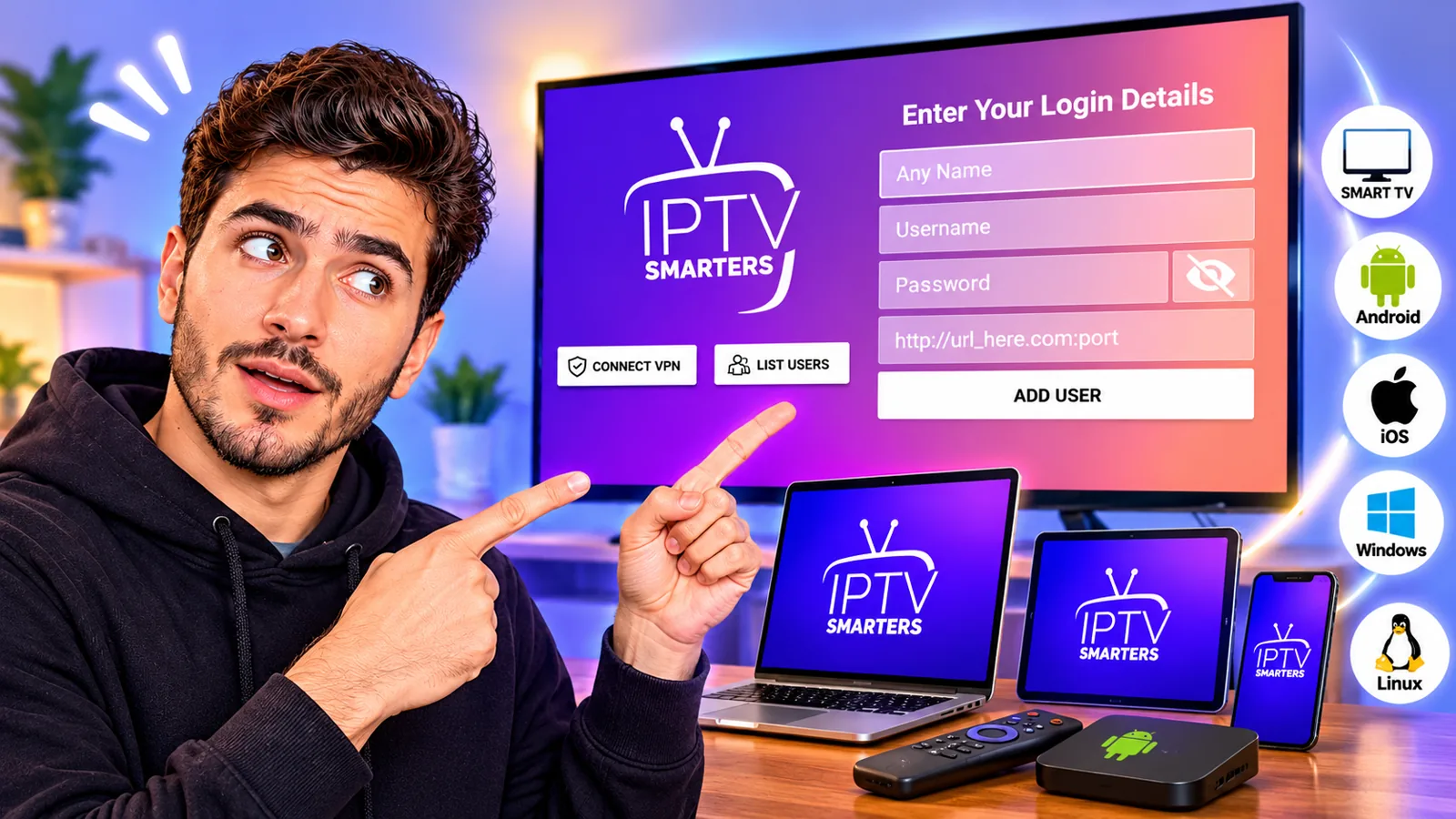
- Open the player and choose login with Xtream Codes API.
- Enter your server URL, username and password.
3. On iPhone, iPad and Apple TV (iOS)
- Download Smarters Player Lite or VU IPTV Player from the App Store.
- Log in with your Xtream API credentials and start streaming instantly.
4. On Windows PC and Mac
- Use IPTV Smarters Pro for PC or the open-source VLC Media Player.
- Enter your M3U link or Xtream credentials to enjoy 4K streaming on your computer.
How to activate Neo 4K Pro with Xtream Codes
Once you purchase your official subscription from Wizane, your activation details are delivered instantly by email and stored in your dashboard:
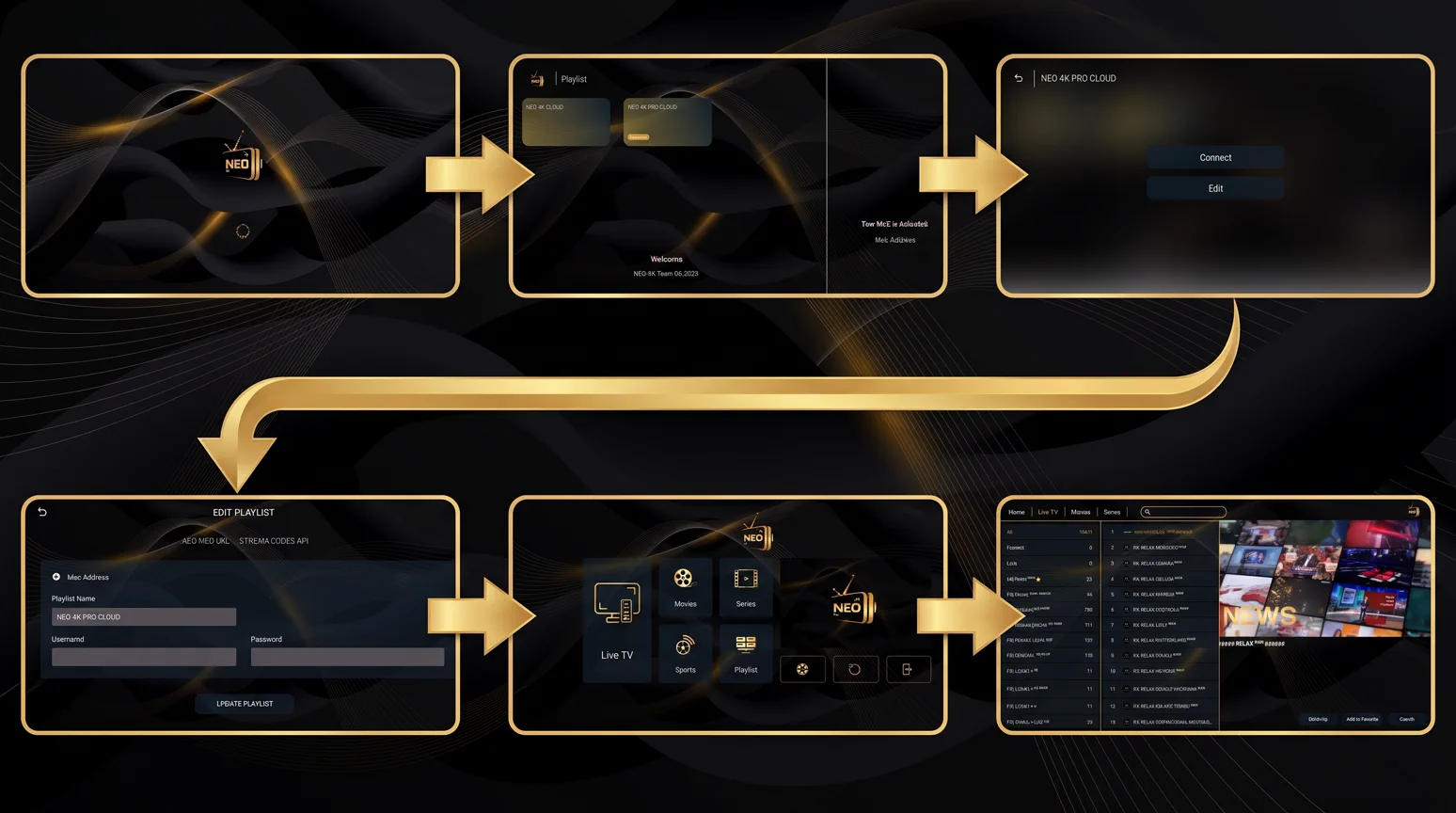
- Open the Neo 4K Pro app on your device.
- Choose Login with Xtream Codes (XC) or enter your numeric activation code.
- Enter the three values: Portal / URL, Username and Password.
- Tap Login / Confirm and wait a few seconds while the app builds the channel list and EPG on first launch.
Tips for the best stability
- Use a 5GHz Wi-Fi network or an Ethernet cable to avoid buffering.
- Let the app finish loading channels and the full EPG on first launch.
- Update the app to the latest version for the best performance and newest libraries.
Get your official Neo 4K Pro subscription today
Wizane delivers genuine, 100% guaranteed Neo 4K Pro subscriptions with instant automated activation after local payment via Edahabia, CIB, plus round-the-clock technical support.
Click here to select your Neo 4K Pro subscription package and start watching now →