
Many smart TV and streaming device users get confused when they search for IBO Player in the store and find two apps with almost the same name and icon: IBO Player and IBO Player Pro. Both come from the same developer and do the same core job — playing media playlists (M3U and Xtream Codes) with no built-in channels — but there are real differences in the interface, performance and the official activation website. This article gives you a detailed comparison to choose the right version for your TV.
Quick comparison table: IBO Player vs IBO Player Pro
| Criteria | IBO Player (standard) | IBO Player Pro |
|---|---|---|
| Official management site | iboiptv.com | iboplayer.com |
| Interface design | Simple, lightweight classic UI | Modern and more elegant |
| Speed & performance | Great for mid-range and older TVs | Faster with huge lists and search |
| Free trial | 7 days | 7 days |
| Activation model | One-time lifetime payment | One-time lifetime payment |
| Transfer between apps | No automatic transfer to Pro | Fully separate activation |
The main differences in detail
1) Interface and user experience
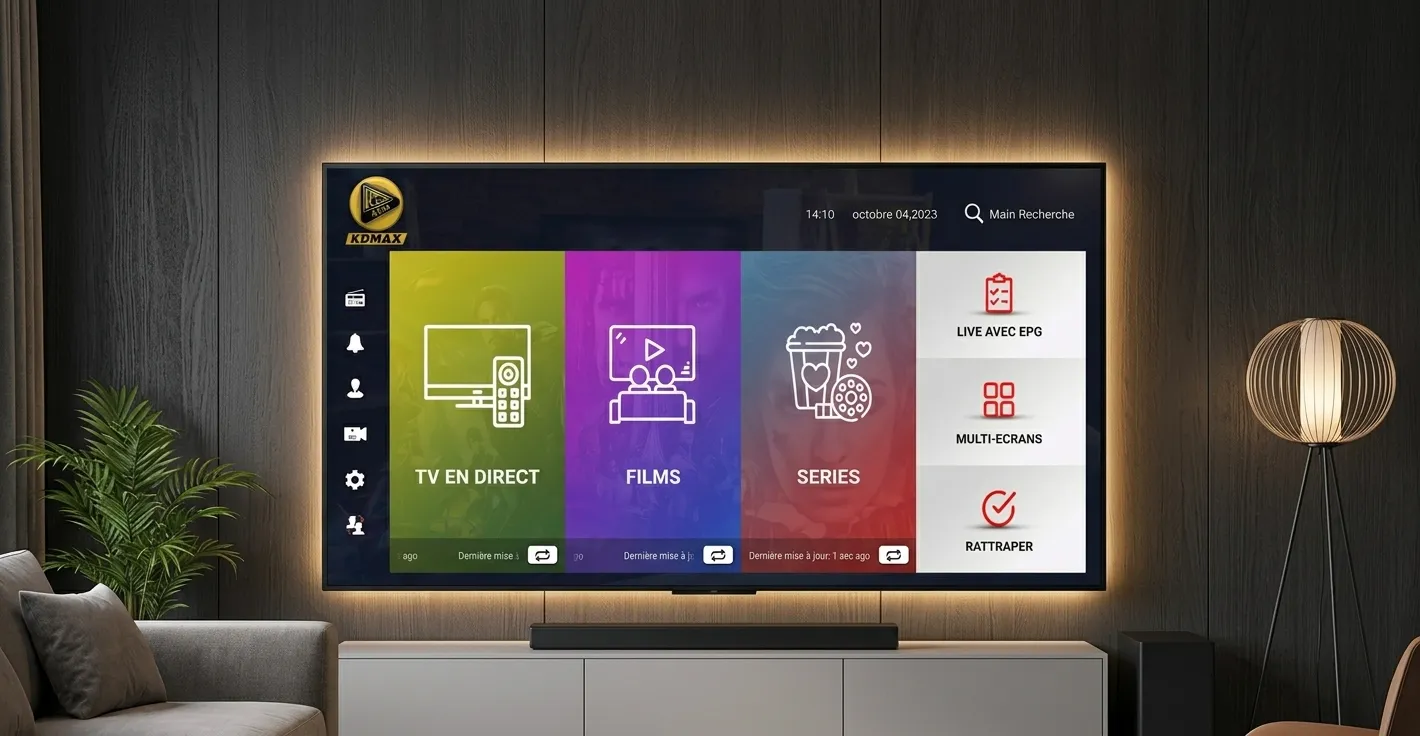
IBO Player: a clear, traditional interface that splits content into Live TV, Movies and Series with large icons — very easy for people who prefer simplicity or older users.
IBO Player Pro: a modern UI that looks like global streaming platforms, with better movie posters, rating details and smoother navigation while watching.
2) Performance across devices
IBO Player Pro is built on a newer codebase that handles very large playlists (20,000+ channels and items) and stands out in quick search and section switching without lag. IBO Player stays lighter on RAM, which makes it ideal for older Samsung and LG sets.
3) Official site and control panel (very important)
A very common mistake is entering the Device ID of one app on the other app's website:
- To manage playlists and activate standard IBO Player, use only
iboiptv.com. - To manage playlists and activate IBO Player Pro, use only
iboplayer.com.
4) Activation and cost
Both apps give a free 7-day trial, then a one-time lifetime activation (similar price, around 8 EUR).
Important: activating one app does not cover the other — each generates its own device ID, so moving from the standard version to Pro requires a new activation.
5) Store and TV compatibility
One app may be available in your country's store on your Samsung or LG model while the other is missing, depending on the TV's production year and store rules. On Android TV and TV Box both ship as APK and can be installed side by side, each using a different playlist.
Verdict: which one should you choose?
- Choose IBO Player Pro if your TV is recent (2021 or newer) or you have a powerful Android TV Box, and you want the best-looking interface with fast search across movie and series libraries.
- Choose standard IBO Player if your TV is mid-range or older, or if it is directly available in your TV store and you want a light, stable app with no fuss.
Activate either version via Wizane and get your subscription
Both apps are just players that need a valid playlist. At Wizane you can get an official subscription with instant, automatic activation (ready M3U links and Xtream details), and also a lifetime app activation: go to the subscriptions section, choose “IBO Player activation”, enter your Device ID and Device Key, submit the request, and the team handles the activation with full support.