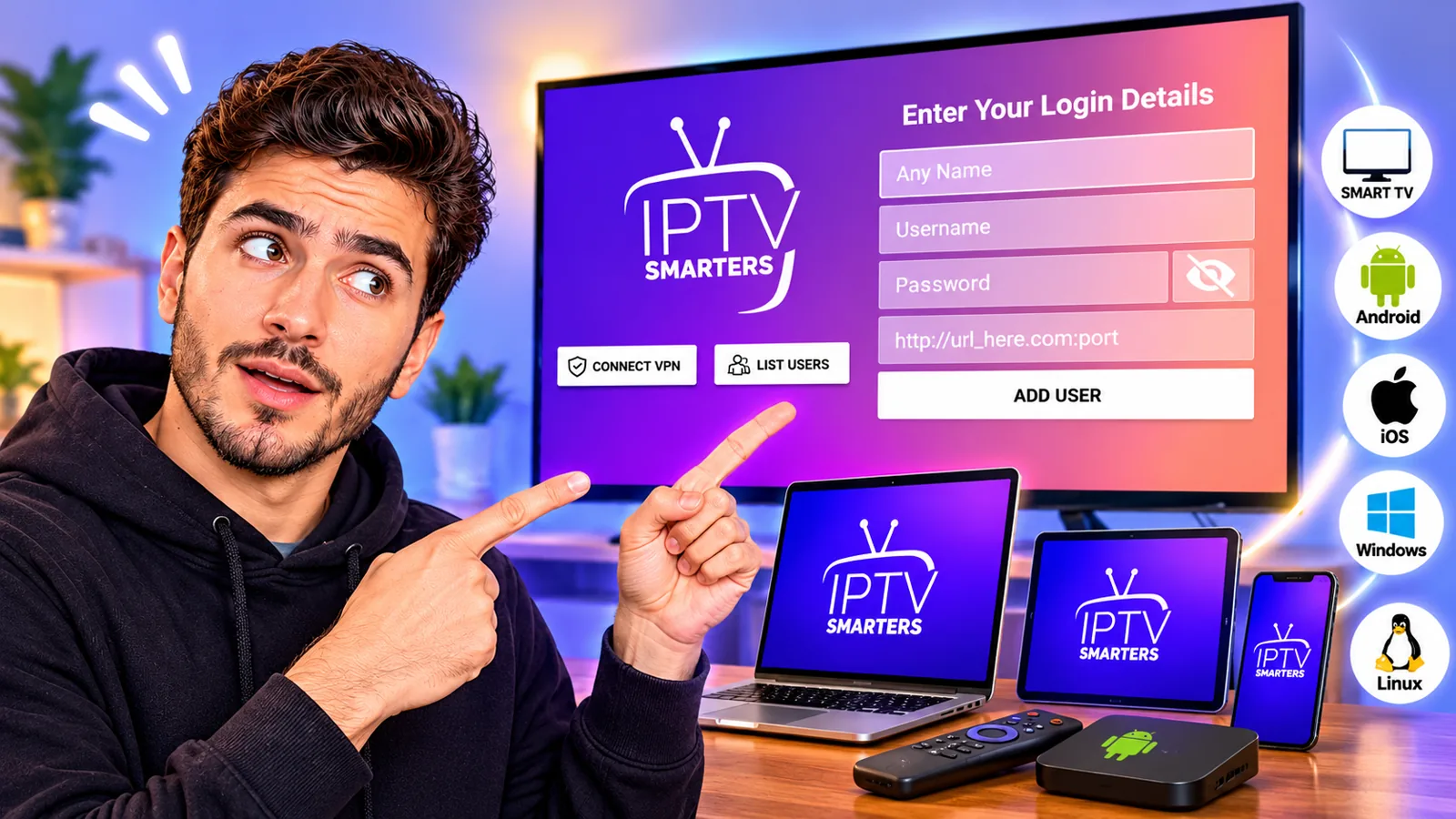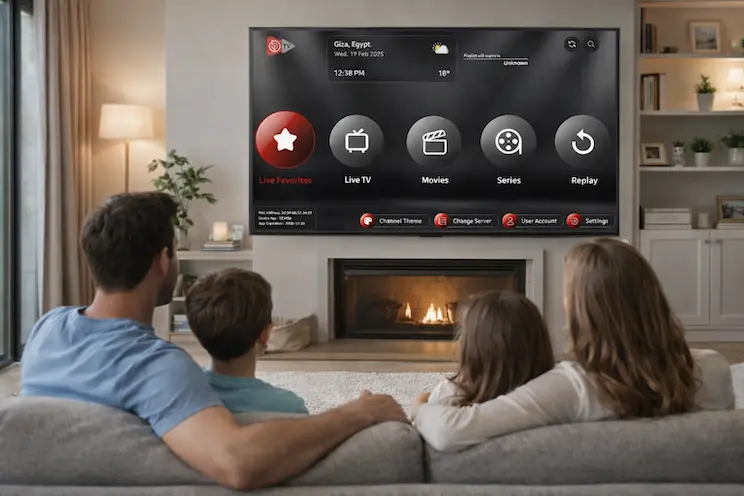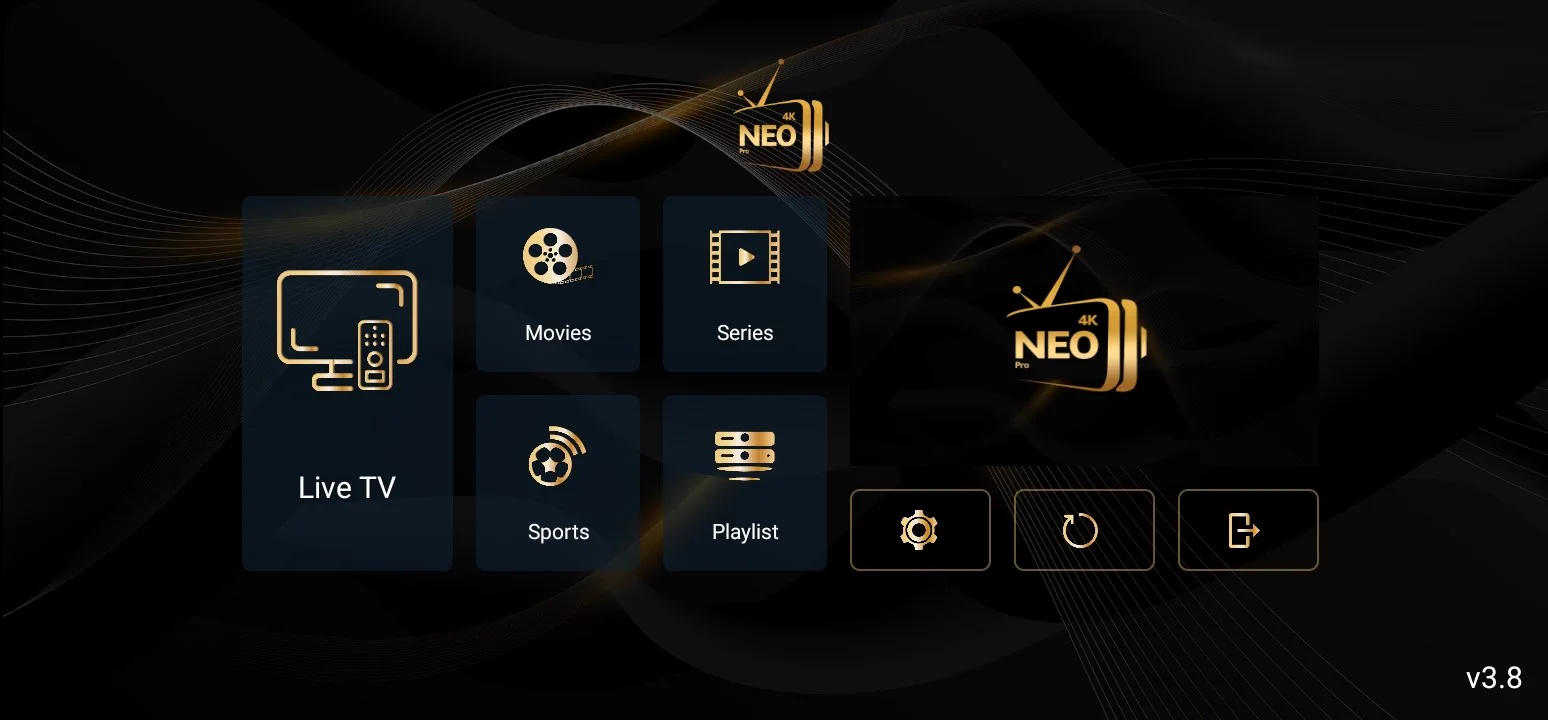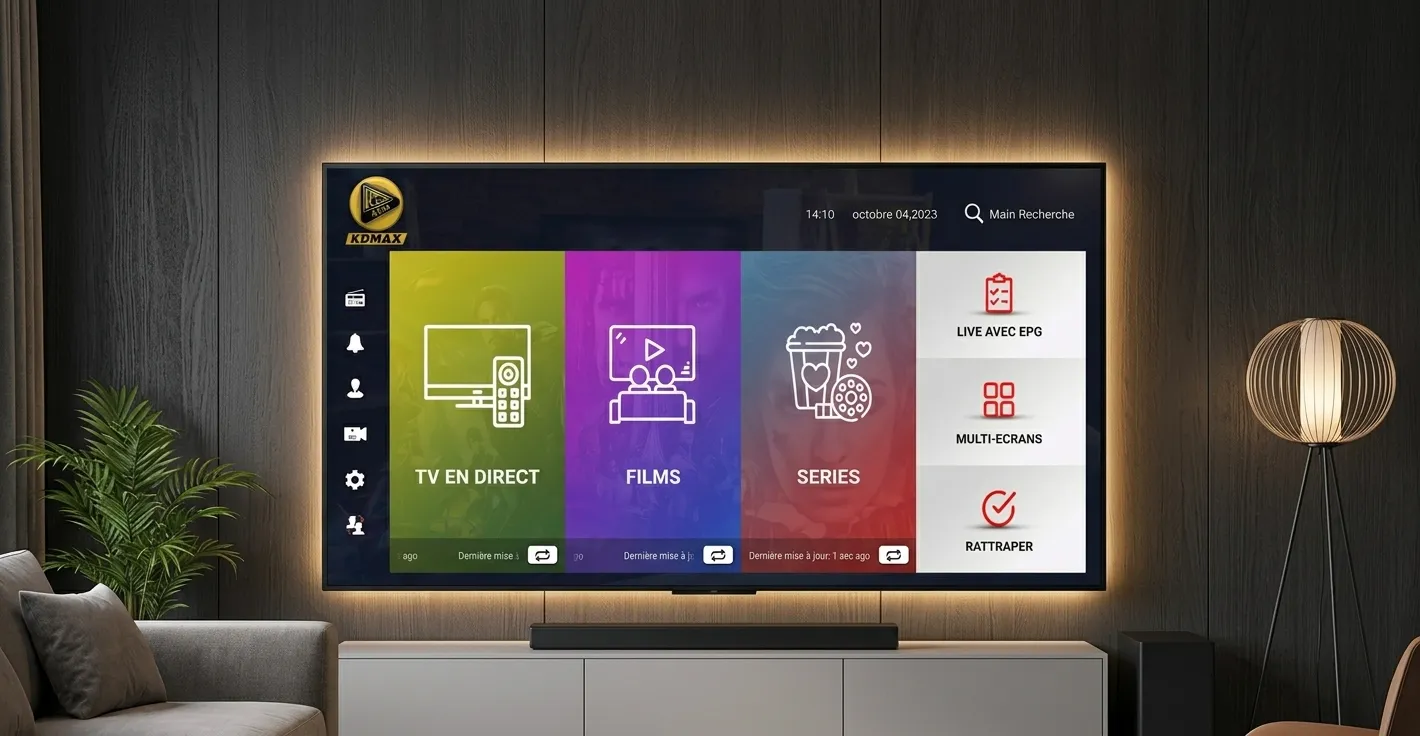

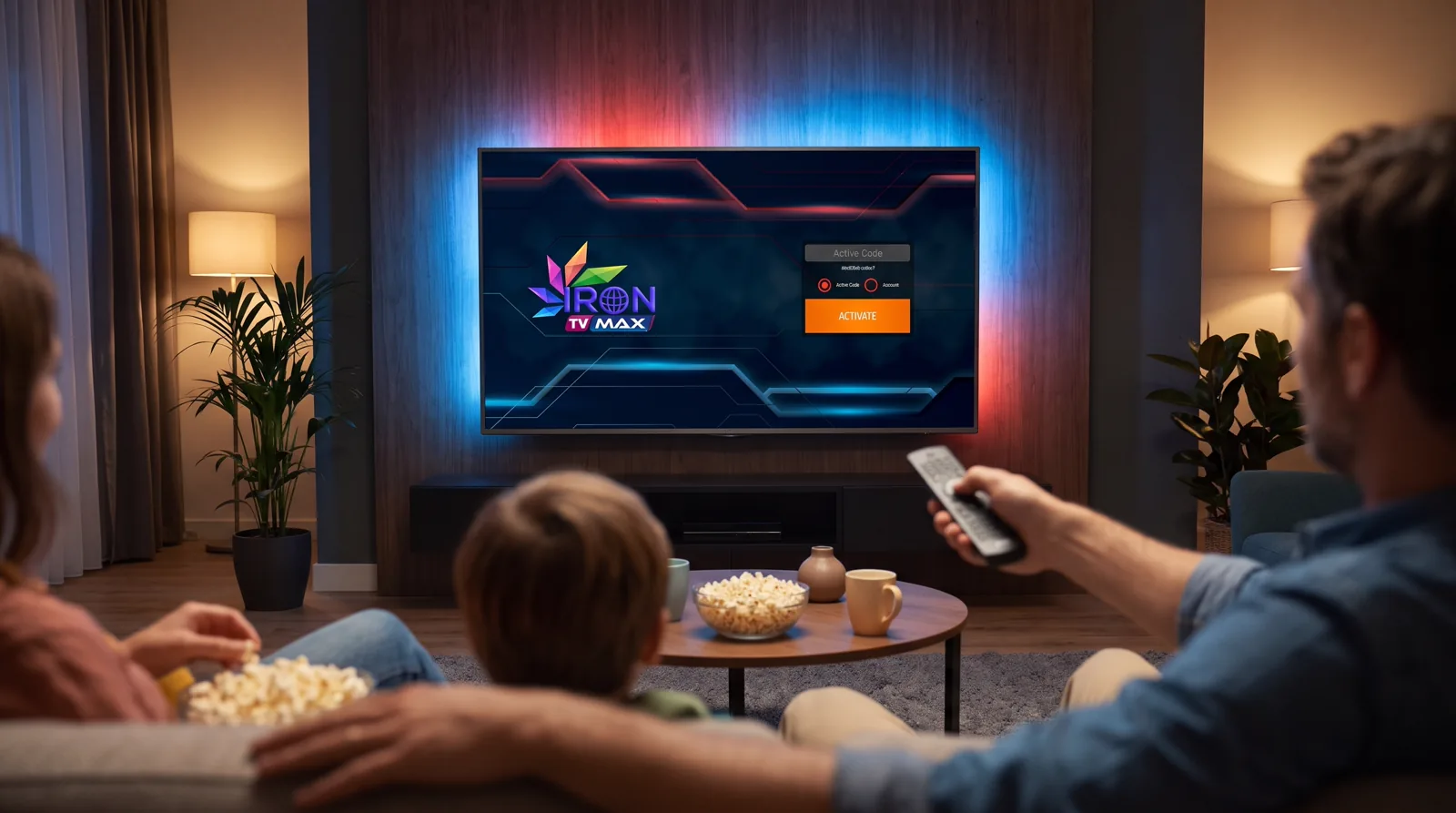
Iron TV Max (also released as Iron Max 6.3) is one of the most searched IPTV players for Android in 2026, combining a fast interface, live channels and a large movies and series library. This guide walks you through downloading and installing Iron TV Max on Android, Android TV and Google TV, the Downloader codes, the direct APK address, and fixes for the most common installation and login issues.
What is the Iron TV Max app?
Iron TV Max is an IPTV player for watching live TV and on-demand movies and series (VOD). It runs on the subscription details provided by your service, and it is fully controllable with a TV remote or a phone touchscreen.
Key features of Iron TV Max on Android
- Fast, lightweight interface: smooth navigation even on mid-range and older devices.
- Android TV & Google TV support: works on smart TVs, Android TV boxes and Fire TV Stick.
- EPG: an electronic program guide with channel schedules.
- VOD library: movies and series with multiple subtitle options.
- Remote-first experience: designed for the big screen, not just phones.
Downloader codes and links for Android TV
The easiest way to install apps on Android TV and Google TV is the free Downloader app. Enter the code or address below in the URL field, then press Go:
| App | Downloader code / address |
|---|---|
| Iron Max 6.3 (direct APK) | https://iron-iptvpro.net/iron-max6.3.apk |
| Smarters Pro | 9338967 |
| Zen Player | 473860 |
| TiviMate | 272483 |
| XP Player | 5753320 |
Never use one app's code to install a different app — the player may not work correctly if it does not match your subscription. Always prefer the Wizane download center or the official Google Play Store.
Step-by-step: install Iron TV Max on Android TV & Google TV
1) Install Downloader
- From your Android TV or Google TV home screen, open Google Play.
- Search for Downloader and choose Install.
- Open the app once the installation finishes.
If Downloader is unavailable on your device, do not download it from an unknown site — contact support to confirm the right method for your model.
2) Allow installing unknown apps
- Open your device Settings.
- Look for a menu such as Applications, Security & restrictions or Special app access.
- Open Install unknown apps, select Downloader and enable it.
- Go back to Downloader.
Menu names and locations vary by brand, model and Android TV / Google TV version. Allow only Downloader, and turn the permission off when you no longer need it.
3) Enter the address or code and install
- Open Downloader.
- In the URL field, enter the Iron Max 6.3 address:
https://iron-iptvpro.net/iron-max6.3.apk(or another player code from the table). - Press Go and wait for the file to download.
- Choose Install, then Open.
4) Sign in with your subscription
Open the app and choose the supported login method (account / Xtream details). Enter the credentials you received from your provider and give it a few seconds on first launch to build the channel list and EPG.
Installing Iron TV Max on other devices
- Android phone: download the APK directly or via Downloader, then install it with unknown sources allowed.
- Smart TV (Samsung / LG): install a supported player such as TiviMate or Smarters Pro from the TV store, then sign in.
- iPhone / Apple TV: use an App Store player such as Smarters Player Lite, then enter your subscription details.
- PC: use VLC or IPTV Smarters Pro with an M3U link or Xtream details.
Common install issues and fixes
- Downloader missing from Google Play: check your device model and OS version, then contact support.
- Install blocked: make sure "Install unknown apps" is enabled for Downloader.
- Download won't start: verify the full address with no spaces and check your internet connection, then retry.
- App won't open: restart the device and install the available system updates.
- Login fails: check every character of your credentials and use the app that matches your subscription.
- Unstable playback: use 5 GHz Wi-Fi or an Ethernet cable and reboot the router.
Get your official subscription from Wizane
At Wizane we provide guaranteed official subscriptions with instant, automatic activation after payment by Edahabia, CIB, plus technical support all week. The Iron TV Max app only needs valid login details to run at its best.