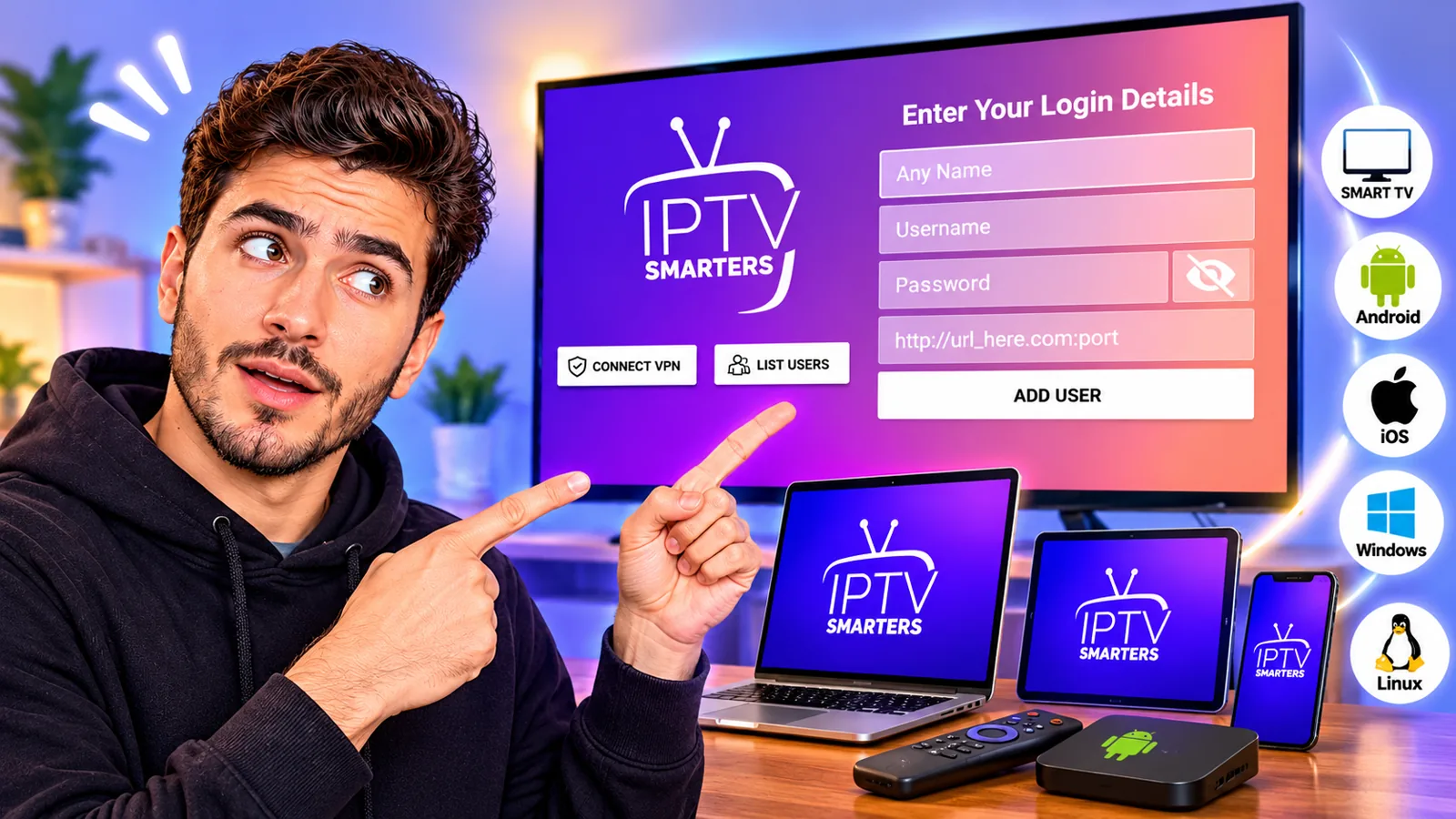

IBO Player is one of the best media players for smart TVs and streaming devices in 2026, and a great alternative to Duplex Play and Smart IPTV thanks to its fast interface and smooth 4K playback. This guide walks you through downloading, setting up and activating IBO Player on Samsung, LG and Android TV, adding your playlist, and fixing the most common technical issues.
Important: IBO Player is only a player — it has no built-in channels. It needs your own playlist (an M3U link or Xtream Codes details) supplied by your service provider.
Why IBO Player stands out on smart TVs
- Very fast navigation: handles huge playlists (thousands of channels and movies) without lag.
- Format support: works with M3U links and Xtream Codes API.
- Wide compatibility: officially available on Samsung (Tizen), LG (WebOS), Android TV and Google TV.
- Advanced options: interface language, subtitles and parental control.
How to download and install IBO Player
1) On Samsung and LG smart TVs
- Open your TV app store (Samsung Apps or LG Content Store).
- Search for IBO Player and pick the official app (blue/purple icon).
- Press Install, wait for it to finish, then open the app.
2) On Android TV and TV Box
- Open Google Play on your device.
- Search for IBO Player and install it.
- If it is missing from the store, download the official IBO Player APK and install it with the Downloader app.
How to add a playlist (M3U or Xtream Codes)
On first launch the app shows your device credentials:
- Device ID
- Device Key
Then, from your phone or computer:
- Open your browser and go to
iboiptv.com. - Choose Manage Playlists from the top menu.
- Enter the Device ID and Device Key shown on the TV, then press Login.
- Add your subscription in one of two ways:
- Add Playlist (M3U): name the list, paste your M3U link and press Save.
- Add XC Playlist (Xtream): enter the server host, username and password, then Save.
- Go back to the TV, restart the app (or press Refresh) and your channels and movies will appear.
Lifetime activation of IBO Player
You get a free 7-day trial, after which the app asks for activation (a one-time payment, not a monthly subscription). You can complete it easily through the Wizane store:
- Go to the subscriptions section on the Wizane website.
- Choose “IBO Player activation” and add it to your order.
- Complete the purchase, then enter the required details in the order window:
- Device ID shown on your TV screen.
- Device Key shown next to it.
- Submit the activation request and the Wizane team will activate your device shortly, with full technical support.
This way you get an official lifetime activation, you can track your order from your dashboard, and you get support in Arabic, French and English whenever needed.
Fixing the most common IBO Player issues
1) Playlist Error / channels not loading
Cause: a typo in the link, an expired playlist, or an unstable connection to the provider server.
Fix: make sure there are no spaces when pasting the M3U link, and try switching the stream format in Settings > Stream Format between MPEGTS and HLS.
2) Black screen with sound (or the opposite)
Cause: the video codec is not compatible with the TV's default player.
Fix: in Player Settings, switch from Native Player to VLC Player or EXO Player (on Android).
3) Constant buffering despite a fast connection
Cause: your ISP throttles streaming ports, or the default TV DNS is slow.
Fix: change the DNS manually to 8.8.8.8 (Google) or 1.1.1.1 (Cloudflare) in your network settings, then restart the TV and the router.
4) Device ID changed or lost after a TV update
Cause: a system update or factory reset can generate a new identifier.
Fix: email IBO Player support with the old and new Device ID plus your payment receipt to transfer the activation for free.
Get your official subscription from Wizane
IBO Player needs a valid playlist to run at its best. At Wizane we provide official subscriptions with instant, automatic activation after payment by Edahabia, CIB, plus support all week and ready M3U links / Xtream details.