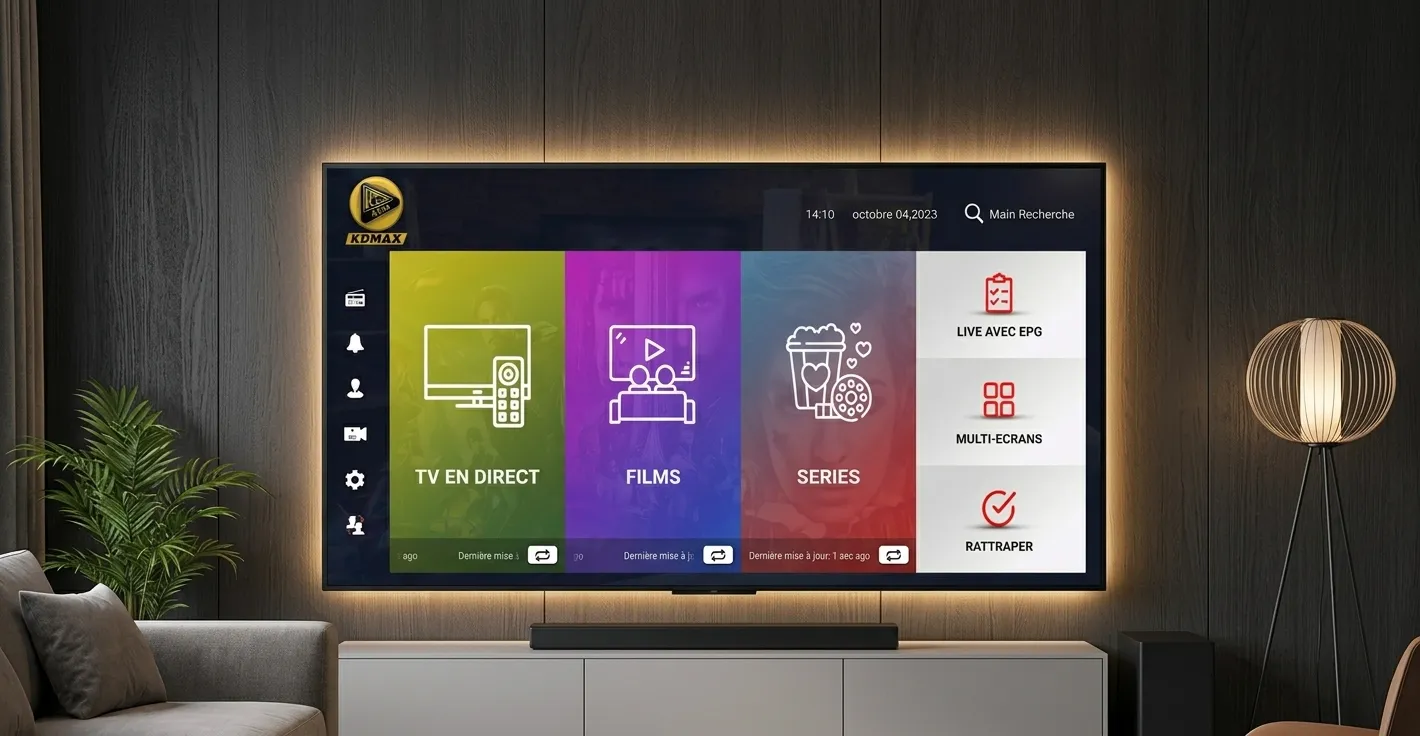

IPTV Smarters Pro is one of the most widely used media players in the world for running online TV playlists, thanks to its professional interface, free availability on most devices, and full support for everything from phones to smart TVs and computers.
Like other legal apps in this space, IPTV Smarters Pro is a completely empty player: it does not sell subscriptions and has no built-in channels. It lets you organise and play your own playlists using Xtream Codes API and M3U. This guide covers everything you need, step by step.
What is the difference between IPTV Smarters and IPTV Smarters Pro?
- IPTV Smarters (Smarters Player Lite): the standard free version on official stores (App Store and some TV stores) with all the essential features for live TV, movies and series.
- IPTV Smarters Pro: the full, optimised version that adds Multi-Screen, live recording, offline downloads, and deeper player customisation. On Android it is free for personal use.
Key features of IPTV Smarters Pro
- Organised interface: automatic split into Live TV, Movies and Series with posters and ratings.
- Multi-Screen: watch up to 4 channels at once on a single screen (great for multiple matches).
- EPG: the program guide and air times next to each channel.
- Multi-user: add several playlists/subscriptions and switch between them easily.
- Parental control: lock packages or channels with a PIN.
- External players: link to VLC or MX Player for high-quality formats.
How to download and install IPTV Smarters Pro
1) Android phones, Android TV and TV Box
- Open Google Play and search for IPTV Smarters Pro or Smarters Player Lite.
- If it is not available in your country's store (especially on TV Box or Fire Stick), open the device browser or the Downloader app.
- Go to the developer's official site
iptvsmarters.com, download the official APK and install it.
2) iPhone, iPad (iOS) and Apple TV
- Open the App Store.
- Search for Smarters Player Lite (its official name on iOS).
- Install it and open the app.
3) Samsung and LG smart TVs
- Open your TV store (Samsung Apps or LG Content Store).
- Search for IPTV Smarters Pro and install it.
Note: the app sometimes disappears from some countries' stores due to store policy updates; in that case you can use a compatible alternative player such as IBO Player.
4) PC (Windows and Mac)
- Visit the official site
iptvsmarters.comfrom your computer. - Go to Downloads, pick Windows (.exe) or Mac (.dmg) and install it like any app.
How to load your channels on IPTV Smarters Pro
After opening the app and accepting the terms, choose how to add your playlist:
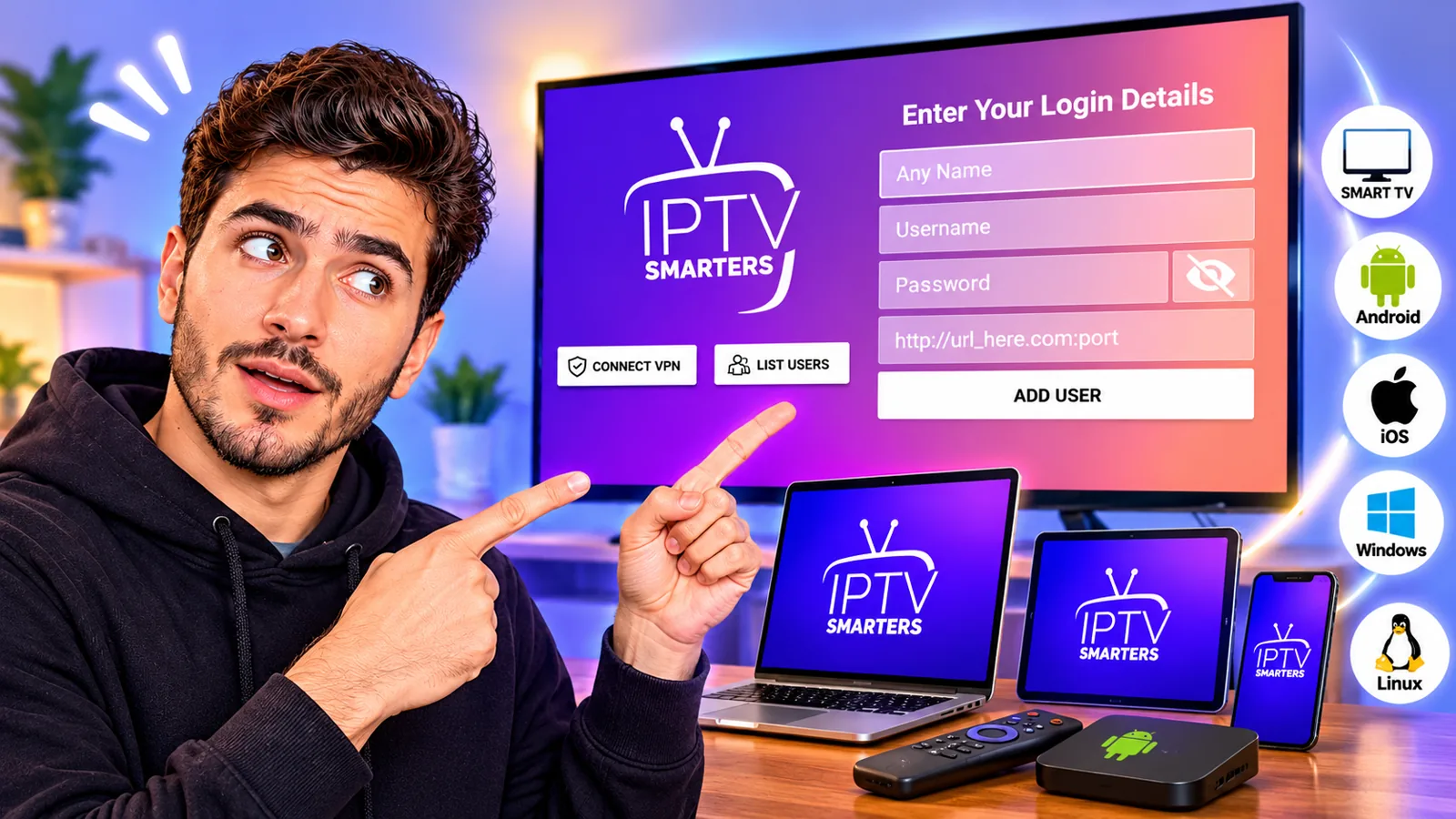
Method 1: Login with Xtream Codes API (fastest and best)
- Tap Login with Xtream Codes API.
- Fill in the four fields carefully:
- Any Name: a label for the playlist (e.g. Home TV).
- Username: your subscription username.
- Password: your password.
- URL / Server: the full server URL starting with http:// followed by host and port.
- Press ADD USER and wait a few seconds for channels and movies to load.
Method 2: Load an M3U link
- Choose Load Your Playlist or File/URL.
- Name the playlist, select M3U URL and paste the full link.
- Press ADD USER to start importing.
Performance tips and troubleshooting
- Faster channel zapping: in Settings > Stream Format, try switching between MPEGTS (.ts) and HLS (.m3u8) to find the most stable one for your connection.
- Refresh new content: tap the Refresh icon next to Live TV and Movies every few days (the app does not always auto-update).
- App not responding: from your device settings run Clear Cache only (avoid Clear Data so you don't lose your account settings).
Get your Xtream details or M3U link from Wizane
To run IPTV Smarters Pro you need valid credentials. At Wizane we provide official subscriptions with instant, automatic activation after payment by Edahabia, CIB, and you receive ready Xtream Codes details or an M3U link to enter directly, plus support all week.